Function Check
Function CheckOPERATION
NOTE: In order to check the body integrated unit function, inspect the body integrated unit and actuator using Subaru Select Monitor without operating switches.
1. On the <
2. On the <
3. On the <
4. Select the item to be operated on the <
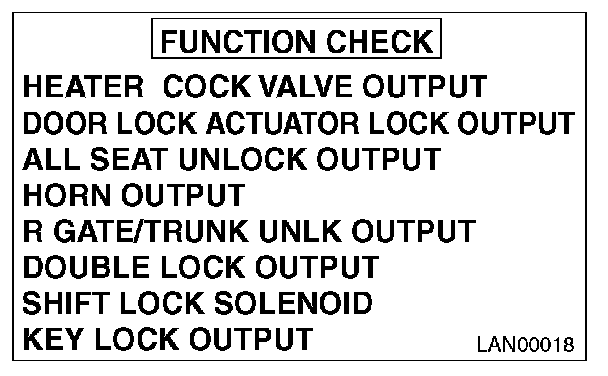
5. Pressing [Next] starts, [End] cancels the operation and [OK] returns to the System Operation Check Mode display screen.
NOTE:
- If not equipped (based on area or condition), process will not go on.
- For details concerning the operation procedure, refer to the "PC application help for Subaru Select Monitor".